






Carbonyl: Why Terminal-Based Browsers are the New AI Powerhouse
Carbonyl brings Chromium to the terminal with 60 FPS and low overhead. Discover why this shift is critical for the next generation of AI-driven customer support and automation.
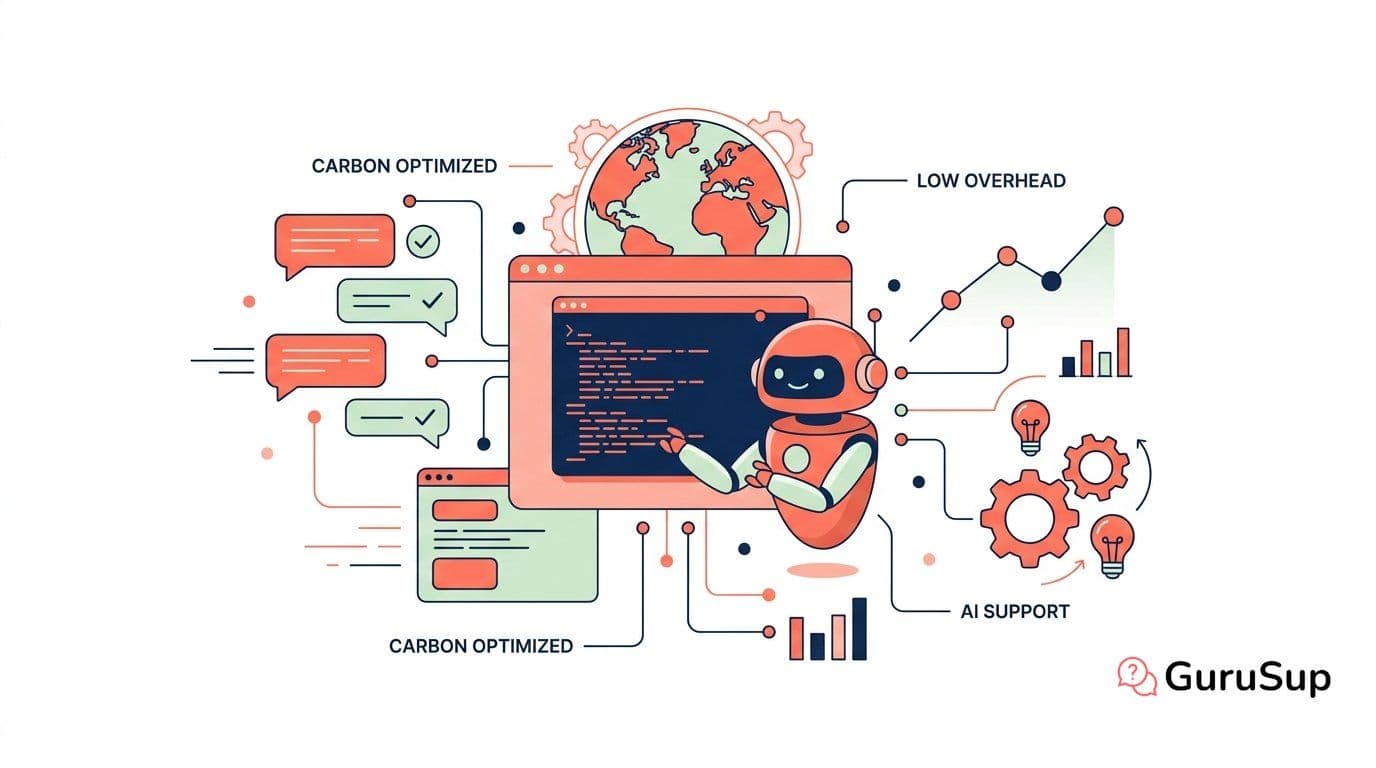
For decades, the web browser has been a resource-heavy monolith, a graphical beast that demands significant RAM and a dedicated windowing system. In the world of server-side automation and customer support technology, this has always been a point of friction. Running a headless browser to scrape data, test widgets, or power AI agents usually means spinning up heavy Docker containers or virtual machines. Enter Carbonyl, a project that challenges the fundamental assumption that modern web browsing requires a GUI. By running Chromium natively inside the terminal, Carbonyl isn't just a technical curiosity; it is a glimpse into a more efficient, automated future.
The Technical Architecture: Why Blink in the Shell Wins
To understand Carbonyl, one must first look at its predecessors. Text-based browsers like Lynx have existed for nearly as long as the web itself, but they suffer from a fatal flaw in the modern era: they cannot handle JavaScript, WebAssembly, or complex CSS. In an age where even a simple support ticket portal is a heavy React application, Lynx is essentially blind. Later projects like Browsh attempted to bridge this gap by connecting a terminal to a headless Firefox instance, but the overhead was massive—often requiring 50 times the CPU power of a standard browser due to the constant frame-buffer downscaling.
Carbonyl takes a different approach. It modifies the Blink rendering engine directly to output natively to the terminal resolution. This architectural choice allows it to support almost all modern Web APIs, including WebGL and WebGPU, while maintaining a staggering 60 frames per second. For businesses, this means you can now run a full-featured browser on a remote server via SSH with zero windowing server overhead. When the browser idles, it consumes 0% CPU, a feat virtually unheard of in the world of Chromium-based applications. This level of efficiency is exactly what we focus on when building that need to operate globally without ballooning infrastructure costs.
Empowering AI Agents with High-Fidelity Web Access
The most compelling use case for Carbonyl isn't for human users—it's for AI. As we move toward agentic workflows using models like GPT-5.4 and Claude Opus 4.6, these AI agents need a way to 'see' and interact with the web to perform tasks. Traditionally, this required a complex stack involving Selenium or Playwright, which are prone to latency and resource exhaustion.
Turn customer support into loyalty and referrals with GuruSup
Soporte con IA que escala sin perder cercanía. Demo de 20 min.
Carbonyl provides a lightweight, high-fidelity environment where an AI can navigate a website, trigger interactions, and even process visual data via WebGL, all within a terminal environment. This allows for much denser packing of AI agents on a single server. Imagine a fleet of Llama 4 instances, each running its own Carbonyl browser to troubleshoot customer issues in real-time. Because Carbonyl starts in less than a second, these agents can be spun up on-demand to investigate a specific bug or verify a customer's report, then spun down just as quickly. This is a significant leap forward in AI-driven customer experience strategies, where speed and resource management are the primary bottlenecks.
Reducing Operational Overhead in Support Stacks
For customer support teams, Carbonyl offers a unique tool for remote debugging. Often, support engineers need to see exactly what a customer sees, but internal security policies might prevent the use of traditional screen-sharing tools. A terminal-based browser allows an engineer to run a session from a secure, sandboxed server and access the customer's portal or a specific URL without ever leaving their command-line environment.
Furthermore, the ability to run Carbonyl through SSH means that support teams can perform visual checks on internal tools located behind firewalls or in air-gapped environments. This minimizes the need for complex VPN setups or exposed GUI ports. By integrating Carbonyl into your , you can create lightweight 'watchdog' scripts that visually verify that your support widgets and knowledge bases are rendering correctly across all regions, triggering alerts the moment a WebGL component fails to load.
Actionable Takeaways: How to Leverage Carbonyl Today
While Carbonyl is still evolving—with features like fullscreen mode still on the roadmap—it is mature enough for several high-value business applications. Here is how you can start implementing it:
Better customer support starts with GuruSup
Soporte con IA que escala sin perder cercanía. Demo de 20 min.
- Lightweight Scraping: Replace heavy Puppeteer setups with Carbonyl for tasks that require full JS execution but don't need a full desktop environment.
- CI/CD Visual Regression: Use Carbonyl in your deployment pipelines to take 'snapshots' of your support portal. Since it renders at terminal resolution, it’s a quick way to catch layout breaks in a text-dense environment.
- AI 'Eyes': If you are building custom AI tools with Gemini 3.1 or Llama 4, use Carbonyl as the interface for the model to explore web documentation or live status pages.
- Remote Debugging: Deploy Carbonyl via Docker on your staging servers to allow developers to quickly inspect the UI via SSH without needing a VPN-heavy GUI connection.
Conclusion: The Future is Lean
Carbonyl is more than just a cool trick for terminal enthusiasts; it represents a move toward more modular, efficient computing. By decoupling the browser's rendering engine from the windowing system, we open up new possibilities for AI agents and automated support systems that are faster, cheaper, and more resilient. As we continue to integrate advanced AI into the GuruSup platform, tools like Carbonyl serve as a reminder that the best solutions are often the ones that strip away the unnecessary to focus on raw performance.
Ready to see how lean, AI-powered automation can transform your customer support? and join the next generation of efficient customer service.
Want to see how AI is transforming customer support? and experience the future of automated support.
Source: GitHub - fathyb/carbonyl: Chromium running inside your terminal