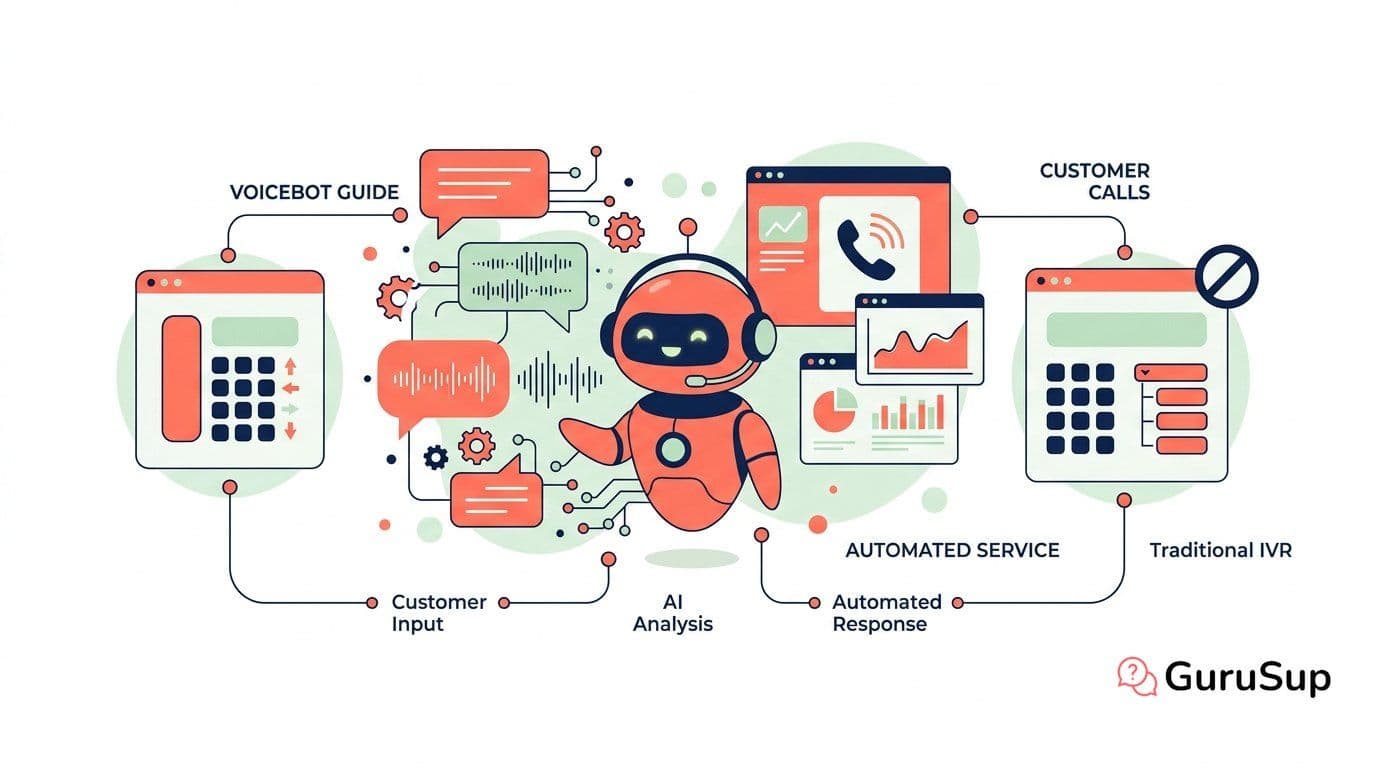
How to Create a Voicebot: Step-by-Step Guide
Learn how to create an AI voice agent step by step — from defining use cases to deployment. A practical guide to building a voicebot that automates calls and improves customer experience.
 Víctor Mollá6 min read
Updated: September 17, 2026
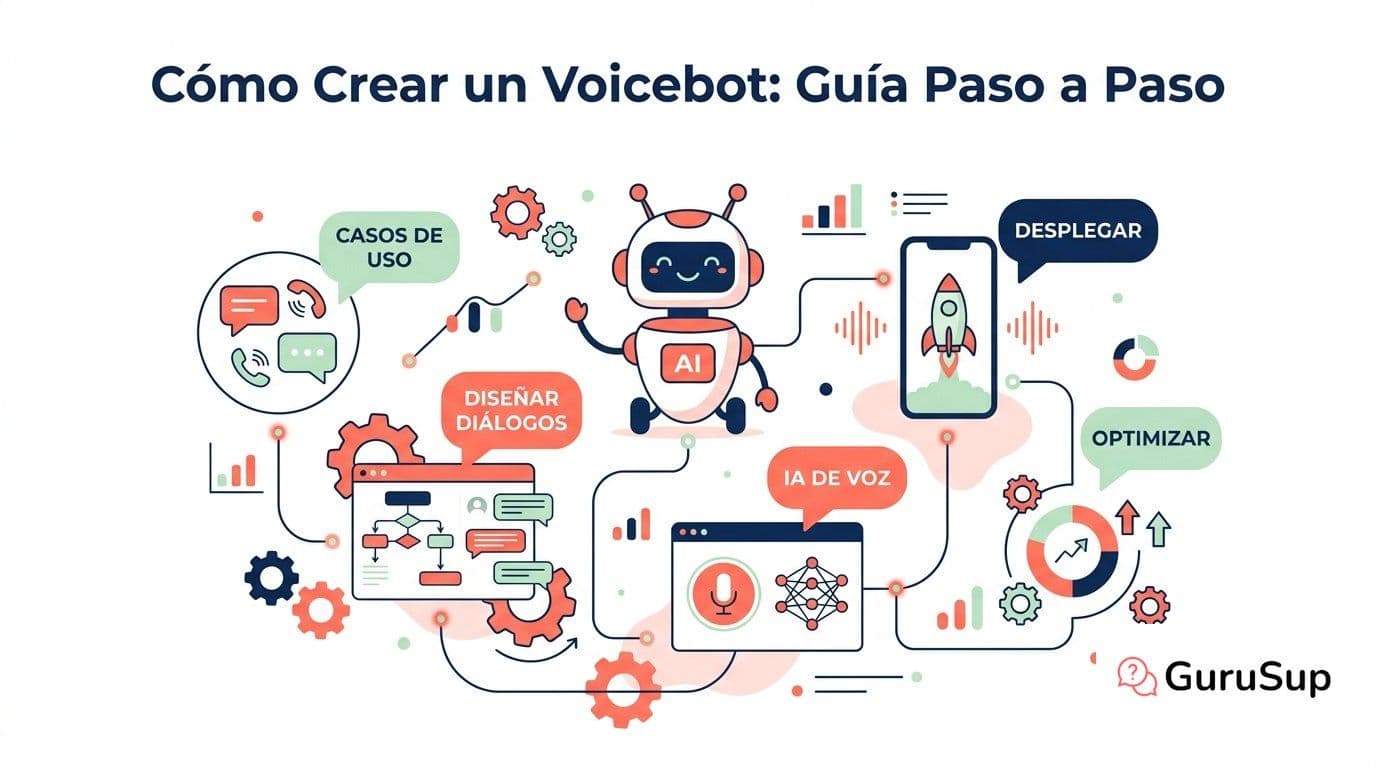
Table of contents
- Step 1: Define Your Use Cases and Call Drivers
- Step 2: Design Your Conversation Flows
- Step 3: Choose Your Technology Stack
- Step 4: Build and Configure Your AI Voice Agent
- Step 5: Test Thoroughly Before Go-Live
- Step 6: Deploy and Monitor Your Voice Agent
- Step 7: Continuously Improve with AI Analytics
- Common Mistakes to Avoid When Building a Voicebot
- Why Choose GuruSup as Your AI Voice Agent Builder?
Building an AI voice agent is one of the highest-ROI investments a customer service team can make. A well-designed voicebot can handle thousands of concurrent calls, eliminate wait times, and free your human agents to focus on complex, high-value interactions. This guide walks you through every stage of the process — from initial planning to continuous optimization — using the approach GuruSup applies when deploying AI voice agents for clients across industries.
Step 1: Define Your Use Cases and Call Drivers
Before writing a single line of configuration, you need to understand which calls you want to automate. The most successful voicebot deployments start with a thorough analysis of inbound call volumes, conversation transcripts, and escalation patterns. GuruSup's onboarding team helps clients identify their top automation opportunities in the very first session.
- Analyze your last 3–6 months of call recordings and transcripts
- Identify the top 10–20 call intents that represent 80% of your volume
- Prioritize intents that are repetitive, rule-based, and don't require empathy
- Map each intent to a resolution path: lookup, action, or escalation
- Set containment targets for each use case before you build
Step 2: Design Your Conversation Flows
Conversation design is the most critical — and most underestimated — part of voicebot creation. A technically perfect AI that asks confusing questions will frustrate callers just as much as a broken IVR. GuruSup uses a structured dialogue design methodology that prioritizes clarity, brevity, and graceful error handling at every turn.
- Write caller-centric prompts — tell them what they can do, not what the bot can't
- Design happy paths first, then edge cases and error recovery
- Define escalation triggers: when to hand off to a human agent with full context
- Test scripts with real users before building — validate assumptions early
- Use progressive disclosure: only ask for information you actually need
Step 3: Choose Your Technology Stack
Selecting the right platform determines how quickly you can build, iterate, and scale your voice agent. Proprietary platforms offer speed but lock you into rigid architectures. GuruSup's agentes de voz is built on open standards, giving you the flexibility to integrate with any telephony provider, CRM, or ticketing system without vendor lock-in.
Turn customer support into loyalty and referrals with GuruSup
Soporte con IA que escala sin perder cercanía. Demo de 20 min.
- Telephony integration: SIP trunking, WebRTC, or cloud telephony APIs (Twilio, Vonage)
- ASR engine: cloud-based (Google, Azure) or on-premise depending on data requirements
- NLU layer: fine-tuned large language models for domain-specific accuracy
- Dialogue management: state machine or LLM-based conversation orchestration
- Backend integrations: REST APIs to connect CRM, helpdesk, and custom databases
- Analytics: real-time dashboards plus post-call analysis and reporting
Step 4: Build and Configure Your AI Voice Agent
With your design validated and technology chosen, it's time to configure the actual voice agent. GuruSup's no-code flow builder lets teams create and modify conversation flows visually without engineering support — dramatically reducing time to deployment and time to iteration.
- Create intents and train them with diverse example phrases
- Build entity extraction to capture key data points (dates, account numbers, names)
- Configure integrations and test API calls in sandbox mode
- Set up fallback responses and graceful human handoff logic
- Record or synthesize voice prompts using your chosen TTS engine
- Configure call routing rules and telephony integration
Step 5: Test Thoroughly Before Go-Live
Rigorous testing prevents costly errors in production. A voicebot that mishears a customer or gives wrong information can damage your brand more than no automation at all. GuruSup's QA process includes automated regression testing, live call simulations, and A/B testing of conversation variants before any deployment reaches production.
- Unit test each intent and entity in isolation
- End-to-end test full conversation flows with diverse speaker accents
- Load test with simulated concurrent calls to validate scaling
- Shadow test: run the bot silently alongside live agents before full deployment
- Red-team test: try to confuse or misuse the bot to find edge cases
- Measure baseline metrics to track improvement post-launch
Step 6: Deploy and Monitor Your Voice Agent
Going live is a milestone, not a finish line. The most successful voice agent teams treat deployment as the beginning of an optimization cycle. Through GuruSup's integrated contact center analytics you can monitor your voicebot in real time, catching issues before they impact customer satisfaction.
Better customer support starts with GuruSup
Soporte con IA que escala sin perder cercanía. Demo de 20 min.
- Start with a partial rollout — route 10–20% of calls to the bot initially
- Monitor containment rate, CSAT, and escalation rate daily in the first weeks
- Set up alerts for sudden drops in intent recognition accuracy
- Review misunderstood utterances weekly and retrain the NLU model
- Expand automation scope as performance stabilizes
Step 7: Continuously Improve with AI Analytics
A voicebot gets smarter over time — but only if you actively use the data it generates. Every conversation is a training signal. GuruSup automatically surfaces improvement opportunities through our AI call analysis engine, which identifies patterns in failed conversations, trending new intents, and opportunities to expand automation coverage.
- Review weekly reports on unhandled intents and low-confidence matches
- Add new training examples based on real caller utterances
- Update conversation flows as your products and policies change
- Run quarterly intent audits to retire low-value automations
- Use customer feedback loops to prioritize next improvements
Common Mistakes to Avoid When Building a Voicebot
Years of voicebot implementations have taught GuruSup's team what separates successful deployments from failed ones. Avoiding these common mistakes will save you months of frustration and rework.
- Trying to automate everything at once — start narrow and go deep
- Neglecting error handling — every flow needs a graceful recovery path
- Forgetting accessibility — design for elderly users and non-native speakers
- Ignoring telephony quality — poor audio quality kills NLU accuracy
- Skipping the analytics setup — you can't improve what you don't measure
Why Choose GuruSup as Your AI Voice Agent Builder?
GuruSup combines best-in-class AI technology with deep customer service expertise. Our chatbot-ia means your voice agent shares the same knowledge base, integrations, and analytics as your chatbot and helpdesk — giving you a truly unified view of every customer interaction. Explore what's possible with a GuruSup voice agent and see why leading customer service teams choose us to automate their most important channel.