






Gemini CLI vs Claude Code: Which AI Coding Assistant Wins in 2026?
Gemini CLI offers free 1M-token context while Claude Code delivers superior code quality at $20/mo. We compare features, pricing, and ideal use cases for developers and teams.
Updated: September 17, 2026
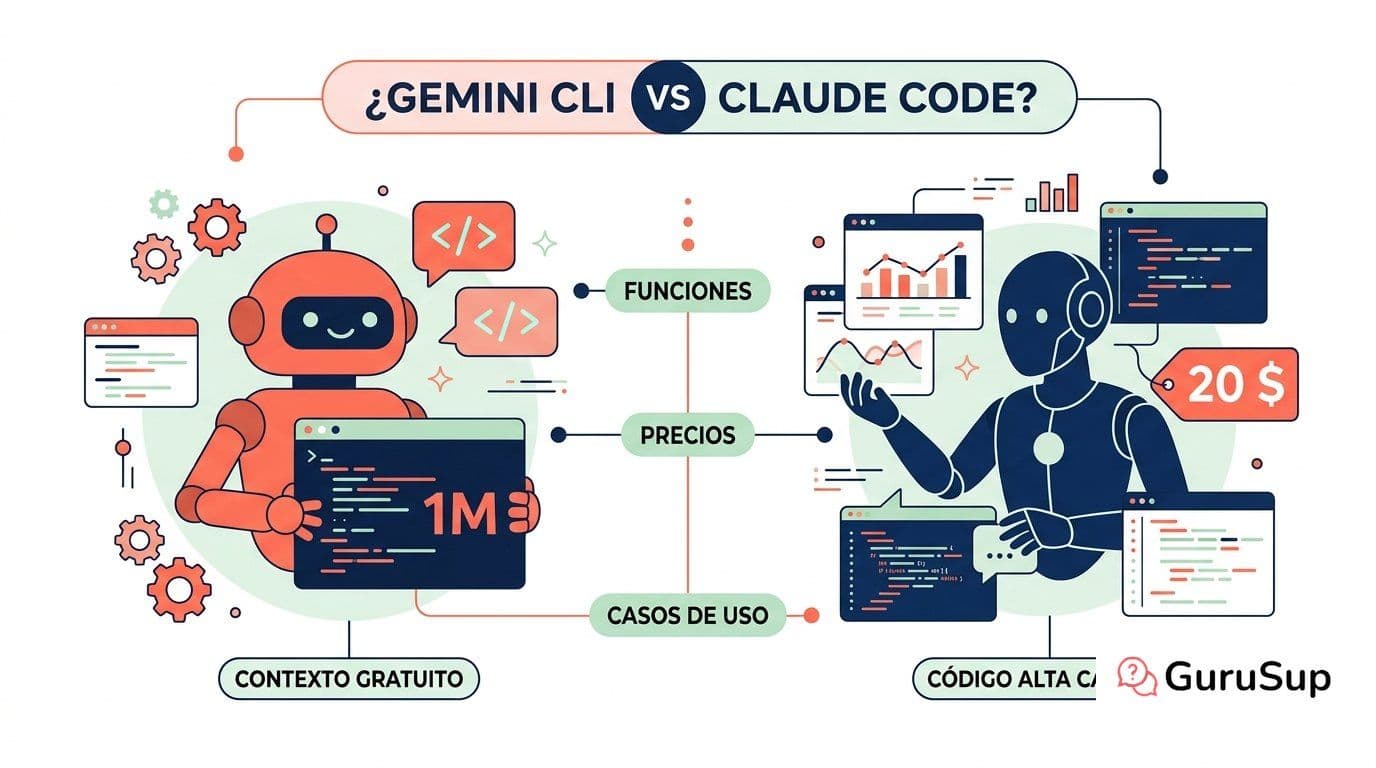
Gemini CLI vs Claude Code: Quick Overview
The terminal is the new IDE. Google's Gemini CLI and Anthropic's Claude Code are the two dominant AI coding assistants that run directly in your terminal — no VS Code extensions, no browser tabs, just raw command-line power.
Both tools let you generate code, refactor entire projects, and interact with your filesystem through natural language. But they take fundamentally different approaches to pricing, context handling, and code quality.
Here's what you need to know before choosing one.
Pricing [2026]
Feature | Gemini CLI | Claude Code
Base cost | Free (Gemini API) | $20/mo (Claude Max)
Free tier | 60 requests/min, 1,000/day | None
Pro tier | $25/mo (higher limits) | $20/mo (Max), $100/mo (Team)
Enterprise | Google Cloud billing | Anthropic API usage-based
Gemini CLI wins on price — the free tier is genuinely generous for individual developers. Claude Code requires a Max subscription from day one, but the code quality often justifies the cost.
Features Comparison
Code Generation
Claude Code produces noticeably cleaner, more idiomatic code across most languages. It handles complex refactors spanning multiple files with fewer errors. Gemini CLI generates functional code quickly but sometimes needs more manual correction on edge cases.
For single-file scripts and quick prototypes, both perform well. For large-scale refactors across 10+ files, Claude Code is more reliable.
Terminal Integration
Both tools run natively in the terminal. Gemini CLI integrates tightly with the Google ecosystem — BigQuery, Cloud Functions, Vertex AI. Claude Code focuses on pure coding workflows: git operations, file editing, test execution, and project scaffolding.
Gemini CLI supports shell piping and command chaining out of the box. Claude Code offers a sandboxed execution environment with permission controls that prevent accidental destructive operations.
Context Window
This is Gemini CLI's biggest advantage: 1 million tokens of context. You can feed entire codebases, documentation, and conversation history without truncation.
Claude Code works with 200K tokens — large enough for most projects, but you'll hit limits on monorepos or when working with extensive documentation alongside code.
Models
Gemini CLI uses Gemini 3.1 Pro by default, with access to the full Gemini model family. Claude Code runs on Claude Opus 4 (or Sonnet 4 for faster responses), consistently ranked among the best models for code generation benchmarks.
Which for Solo Developers?
Gemini CLI is the better starting point. The free tier lets you evaluate AI-assisted coding without financial commitment. The 1M context window means you can work on personal projects of any size without worrying about token limits.
Switch to Claude Code if you find yourself constantly correcting Gemini's output or working on projects where code quality is non-negotiable (open-source libraries, production APIs).
Which for Teams?
Claude Code edges ahead for teams. The consistent code quality reduces review cycles, and the permission system prevents junior developers from accidentally running destructive commands. Anthropic's Team plan ($100/mo per seat) includes shared usage and admin controls.
Gemini CLI works well for teams already embedded in the Google Cloud ecosystem, especially if you're using Vertex AI or need the multimodal capabilities for working with images and diagrams alongside code.
Which for Enterprise?
Neither tool is designed for enterprise customer-facing operations. They're developer productivity tools, not business automation platforms.
For enterprise needs like customer support automation, ticket routing, or multi-channel communication, you need purpose-built AI agents — not coding assistants.
AI Agents for Your Business: GuruSup
While Gemini CLI and Claude Code help developers write better code, builds AI agents that automate your entire customer operations.
Our AI agents handle:
- Omnichannel support across WhatsApp, email, chat, and voice
- Intelligent ticket routing that learns from your team's patterns
- Automated responses in 50+ languages with human-level accuracy
- Seamless handoff to human agents when complexity requires it
No coding required. No terminal commands. Just AI agents that work out of the box for your support, sales, and operations teams.
FAQ
Is Gemini CLI really free?
Yes. Google offers a generous free tier with 60 requests per minute and 1,000 per day through the Gemini API. Paid tiers remove these limits.
Can I use Claude Code without a subscription?
No. Claude Code requires at least a Claude Max subscription ($20/month). There's no free tier, but you get access to Opus 4.
Which has better code quality?
Claude Code consistently produces cleaner, more maintainable code, especially for complex multi-file refactors. Gemini CLI is competitive for simpler tasks.
Can these tools replace my IDE?
No. Both are terminal-based assistants that complement your existing workflow. They work alongside VS Code, Neovim, or any editor — not as replacements.
What if I need AI for customer support, not coding?
GuruSup's AI agents are built specifically for business operations: customer support, sales automation, and omnichannel communication. Contact us to learn more.