






AI Model Documentation Best Practices
Model cards, data sheets, and audit trails — the documentation practices that make AI systems governable, auditable, and trustworthy.
 Víctor Mollá2 min read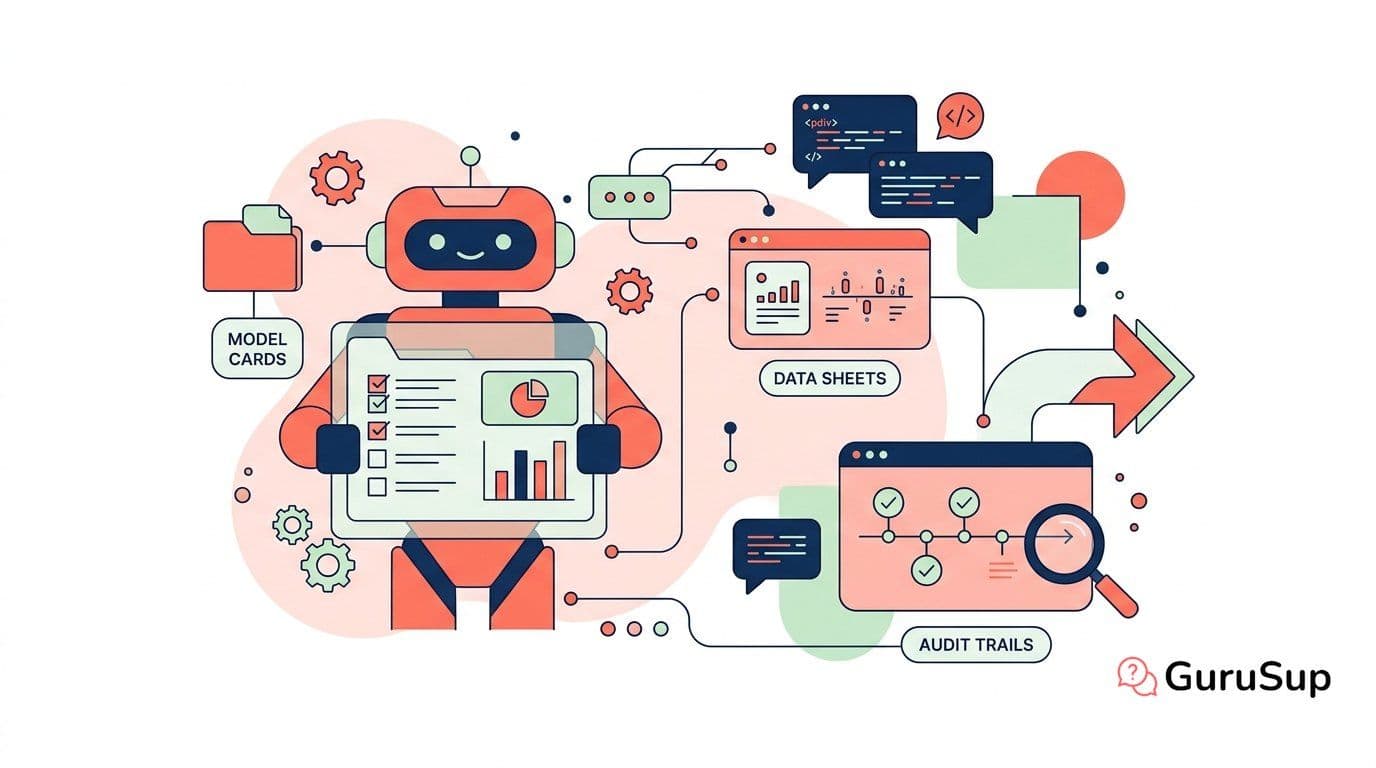
Documentation Is Governance
If your AI model doesn't have documentation, it doesn't have governance. You can write all the policies you want, but without model cards, data sheets, and decision logs, those policies are unenforceable. An auditor can't verify what isn't written down.
Model Cards
A model card is a standardized document describing what your model does, how it was built, and where it fails. Google introduced the format in 2018, and it's become the industry standard. A good model card includes:
- Model details: Architecture, version, training date, owner.
- Intended use: What the model was designed for, and explicitly what it should not be used for.
- Training data: Source, size, date range, known gaps and biases.
- Performance metrics: Accuracy, precision, recall — disaggregated by relevant subgroups.
- Limitations: Known failure modes, populations where performance degrades, environmental conditions that affect accuracy.
- Ethical considerations: Potential for harm, mitigation measures, ongoing monitoring commitments.
Turn customer support into loyalty and referrals with GuruSup
Soporte con IA que escala sin perder cercanía. Demo de 20 min.
Data Sheets for Datasets
Every dataset powering a model needs its own documentation. Data sheets answer: Where did this data come from? How was it collected? Were the subjects aware? What biases might it contain? When was it last updated?
Without data sheets, you're building on unknown foundations. When a model fails in production, the first question is always about the data. If you can't answer that question in minutes, your governance has a gap.
Audit Trails
Every change to a model — retraining, parameter updates, data additions — needs a timestamped log with the rationale. Audit trails connect decisions to outcomes. They let you answer: why did the model behave this way, and who approved the change that caused it?
Version control your models the same way you version control your code. Tag releases, document changes, and maintain rollback capability.
Practical Tips
- Automate what you can. Generate model cards from training pipelines.
- Make documentation a deployment gate. No card, no deploy.
- Review documentation quarterly, not just when models change.
- Store documentation alongside the model, not in a separate wiki that nobody updates.
Good documentation feeds directly into your governance framework and risk assessments. More at the AI Governance hub.