






AI Automation vs RPA: Key Differences
AI automation and RPA solve different problems. RPA handles structured, rule-based tasks. AI handles understanding and judgment. Here is when to use each.
 Víctor Mollá4 min read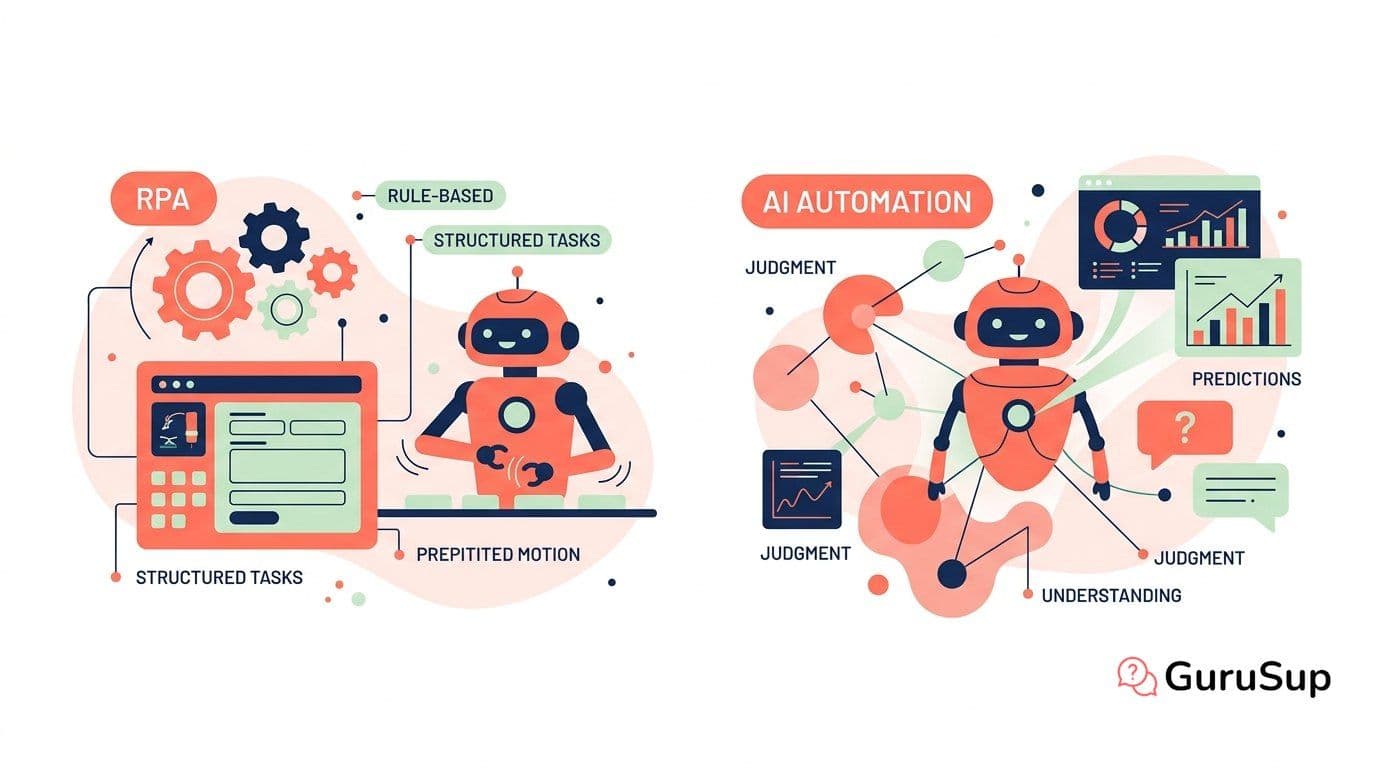
RPA and AI automation get lumped together constantly, but they solve different problems. Confusing them leads to picking the wrong tool, which leads to failed projects and wasted budgets.
RPA is a robot that follows your instructions exactly. AI automation is a system that follows your objectives and figures out the steps. Both are useful. Neither replaces the other.
What RPA Does Well
Robotic Process Automation (RPA) excels at structured, repetitive, rule-based tasks:
- Copying data between systems that lack APIs
- Filling forms with data from spreadsheets
- Running scheduled reports and distributing them
- Processing structured documents (fixed-format invoices, standard forms)
- Clicking through legacy applications that cannot be integrated otherwise
RPA bots do exactly what you program them to do. They are fast, reliable, and cheap to run. If your process is the same every time with the same data format, RPA is the right tool.
What AI Automation Does Well
AI automation handles the work RPA cannot touch: tasks involving unstructured data, variable inputs, and judgment calls.
- Understanding free-text customer messages and determining intent
- Reading documents with varying formats and extracting relevant data
- Making decisions based on context (approve a refund? escalate a complaint?)
- Generating personalized responses in natural language
- Adapting to new patterns without reprogramming
For a full introduction, see what is AI automation.
Head-to-Head Comparison
Input handling — RPA: structured data only. AI: structured and unstructured.
Decision making — RPA: if-then rules you define. AI: learns from data, adapts.
Setup complexity — RPA: record-and-replay or scripted. AI: requires training data and tuning.
Maintenance — RPA: breaks when UI changes. AI: handles variations, needs periodic retraining.
Cost — RPA: $5K-25K per bot/year. AI: usage-based, typically $0.01-0.50 per interaction.
Best for — RPA: back-office data movement. AI: front-office customer interactions.
Error handling — RPA: stops on exceptions. AI: reasons about exceptions.
Scale — RPA: linear (more bots = more cost). AI: marginal cost near zero per interaction.
When to Use RPA
Choose RPA when:
- The process is identical every time with no variation
- You are bridging legacy systems that have no API
- The data is always in the same format and location
- You need a quick win (RPA deploys in days, not weeks)
- The volume is low enough that per-bot licensing makes sense
When to Use AI Automation
Choose AI automation when:
- Inputs are in natural language or have variable formats
- The task requires understanding context or making judgments
- You need to generate personalized outputs (responses, summaries, recommendations)
- Volume is high and growing (AI's per-interaction cost scales better)
- The process changes frequently and you cannot keep updating rules
Customer support is the textbook AI automation use case. See AI automation for customer support for specifics.
The Convergence: Hyperautomation
The real answer is usually both. Gartner calls this hyperautomation: combining RPA, AI, process mining, and low-code tools into unified automation platforms.
A practical example: An invoice arrives by email. AI reads the email and extracts the invoice (unstructured). AI processes the invoice and extracts line items (variable format). RPA enters the data into the ERP system (structured, repetitive). AI flags anomalies for human review (judgment).
Each technology handles the part it is best at. No single tool does everything well.
For a deeper look at this convergence, read our hyperautomation guide. To understand the tools available, see best AI automation tools 2026.
Making the Decision
Map your processes. For each one, ask: does this require understanding unstructured inputs or making judgment calls? If yes, AI. If no, RPA. If both, combine them.
Most companies start with one, then add the other. If you are starting from scratch, AI automation for customer support gives you the fastest ROI. Read how to calculate that ROI.
Explore more in the AI Automation hub.