






What Is AI Automation? Complete Guide
AI automation combines machine learning with process automation to handle tasks that need judgment, not just rules. Here is how it works and where it matters.
 Víctor Mollá4 min read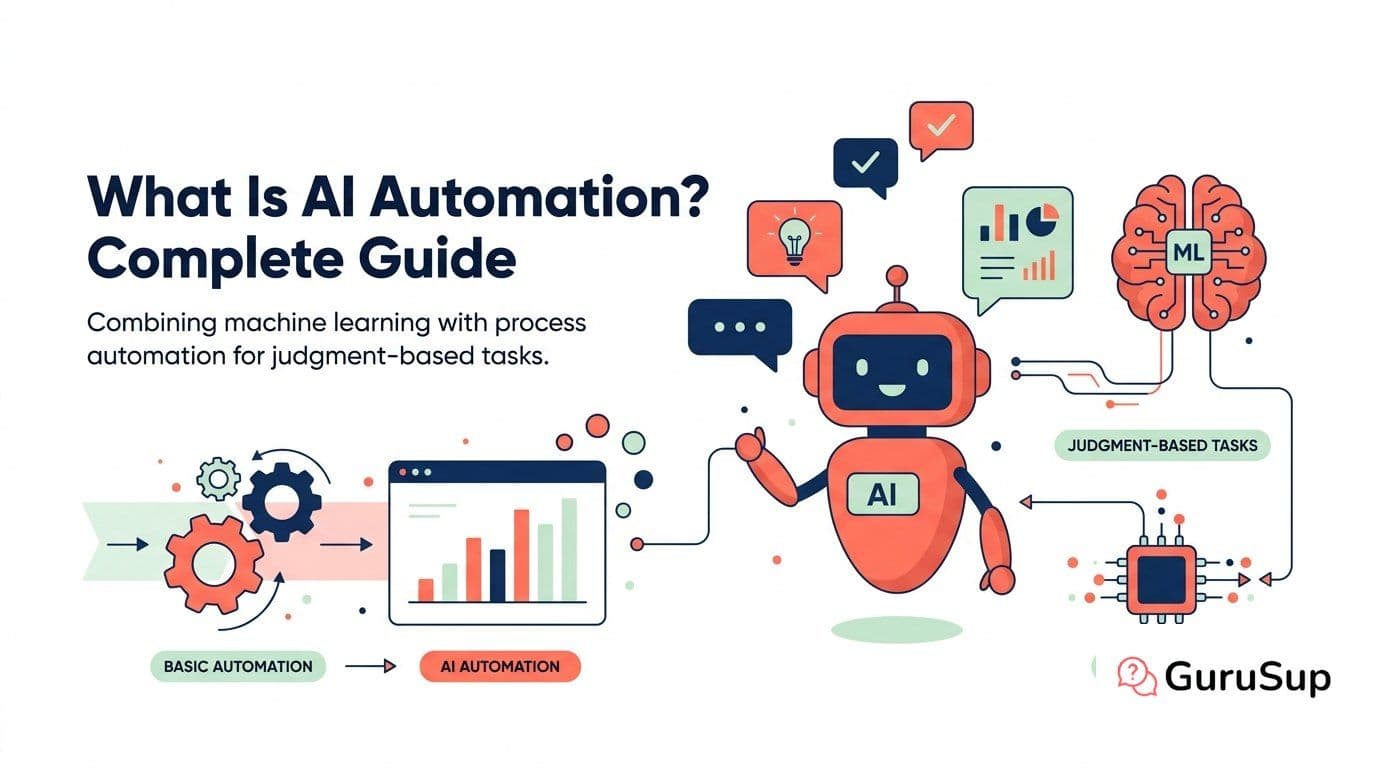
Most automation breaks the moment something unexpected happens. A customer writes in a different format, an invoice has a new field, an email uses slang. Rule-based systems stop and wait for a human.
AI automation does not stop. It reads the unexpected input, figures out what it means, and acts on it. That is the core difference, and it changes what is possible to automate.
AI Automation Defined
AI automation is the use of machine learning, natural language processing, and other AI techniques to automate tasks that require understanding, reasoning, or judgment. Traditional automation handles the predictable. AI automation handles the rest.
A rule-based system can route a support ticket that says "billing issue" to the billing team. An AI automation system reads the full message, understands the customer wants a refund for a double charge, pulls up the account, verifies the duplicate transaction, issues the refund, and sends a confirmation. No human needed.
This is not theoretical. Companies running AI-powered customer support already resolve 60-80% of interactions this way.
How AI Automation Differs from Traditional Automation
The distinction matters because it determines what you can actually automate.
- Input type. Traditional automation needs structured data (forms, spreadsheets, databases). AI automation handles unstructured data (emails, chat messages, documents, images).
- Decision making. Traditional automation follows if-then rules you write. AI automation learns decision patterns from data and adapts.
- Error handling. Traditional automation fails on exceptions. AI automation handles exceptions by reasoning about them.
- Maintenance. Traditional automation needs manual updates when processes change. AI automation adjusts to variations automatically.
For a deeper comparison, see AI automation vs RPA.
Core Technologies Behind AI Automation
Natural Language Processing (NLP)
NLP lets AI read and understand human language. This powers chatbots, email processing, document analysis, and voice interactions. Modern large language models (LLMs) like GPT-5.4 and Claude 4.6 have made NLP accurate enough for production use.
Machine Learning
ML models learn patterns from historical data. They predict outcomes (will this customer churn?), classify inputs (is this email a complaint or a question?), and optimize decisions (what is the best response?). They improve over time as they process more data.
Computer Vision
Computer vision processes images and video. It reads invoices, verifies identities, inspects products on assembly lines, and extracts data from scanned documents.
Agentic AI
AI agents combine these capabilities into autonomous workflows. An agent receives a goal ("resolve this customer issue"), plans the steps, executes them using available tools, and verifies the result. This is the frontier of AI automation in 2026.
Where AI Automation Works Best
Not every process benefits equally from AI automation. The best candidates share these traits:
- High volume. Thousands of repetitive interactions per month.
- Unstructured inputs. Free-text emails, chat messages, documents.
- Clear success criteria. You can measure if the automation did it right.
- Existing data. Historical examples the AI can learn from.
The strongest use case is customer support. It hits all four criteria. That is why AI automation for customer support is the most common entry point.
Other high-impact areas: invoice processing, employee onboarding, lead qualification, compliance monitoring, and IT helpdesk. See 20 examples by industry for specifics.
Implementation Basics
Starting with AI automation does not require rebuilding your tech stack. The typical path:
- Pick one process. Start with the highest-volume, most repetitive process. Customer support is the default choice for a reason.
- Measure the baseline. How many interactions per month? Average handling time? Cost per interaction? Resolution rate?
- Deploy a pilot. Run AI automation on 10-20% of volume for 30 days.
- Measure results. Compare cost, speed, accuracy, and customer satisfaction against the baseline.
- Scale or adjust. If metrics are positive, increase coverage. If not, refine the AI's training data and try again.
For a detailed roadmap, read the AI automation implementation guide.
What to Watch Out For
AI automation is not magic. Common problems include poor data quality that degrades AI accuracy, employee resistance when automation threatens roles, integration complexity with legacy systems, and governance gaps around AI decision-making.
Each of these is solvable. We cover them in depth in AI automation challenges and how to overcome them.
The Bottom Line
AI automation extends what machines can do from the structured and predictable to the unstructured and variable. The technology works. The ROI is measurable (see our ROI calculation framework). The question is not whether to adopt it but where to start.
For most companies, the answer is customer support. High volume, clear metrics, fast payback. Then expand from there.
Explore the full AI Automation hub for guides on tools, patterns, and implementation.